How to Add a Members-Only Forum to a Wix Website
How to give your Wix members a private place to talk: choosing between public and members-only forums, setting up categories by group, seeding the first threads, and moderating without extra work.
A forum keeps members coming back to your site: a running club plans group runs, a course answers student questions, an association shares news between meetings. The first decision is whether the forum should be public or members-only. This guide covers that choice, then walks through setting up members-only categories, seeding the conversation, and moderating it on a Wix site.
Decide between a public and a members-only forum
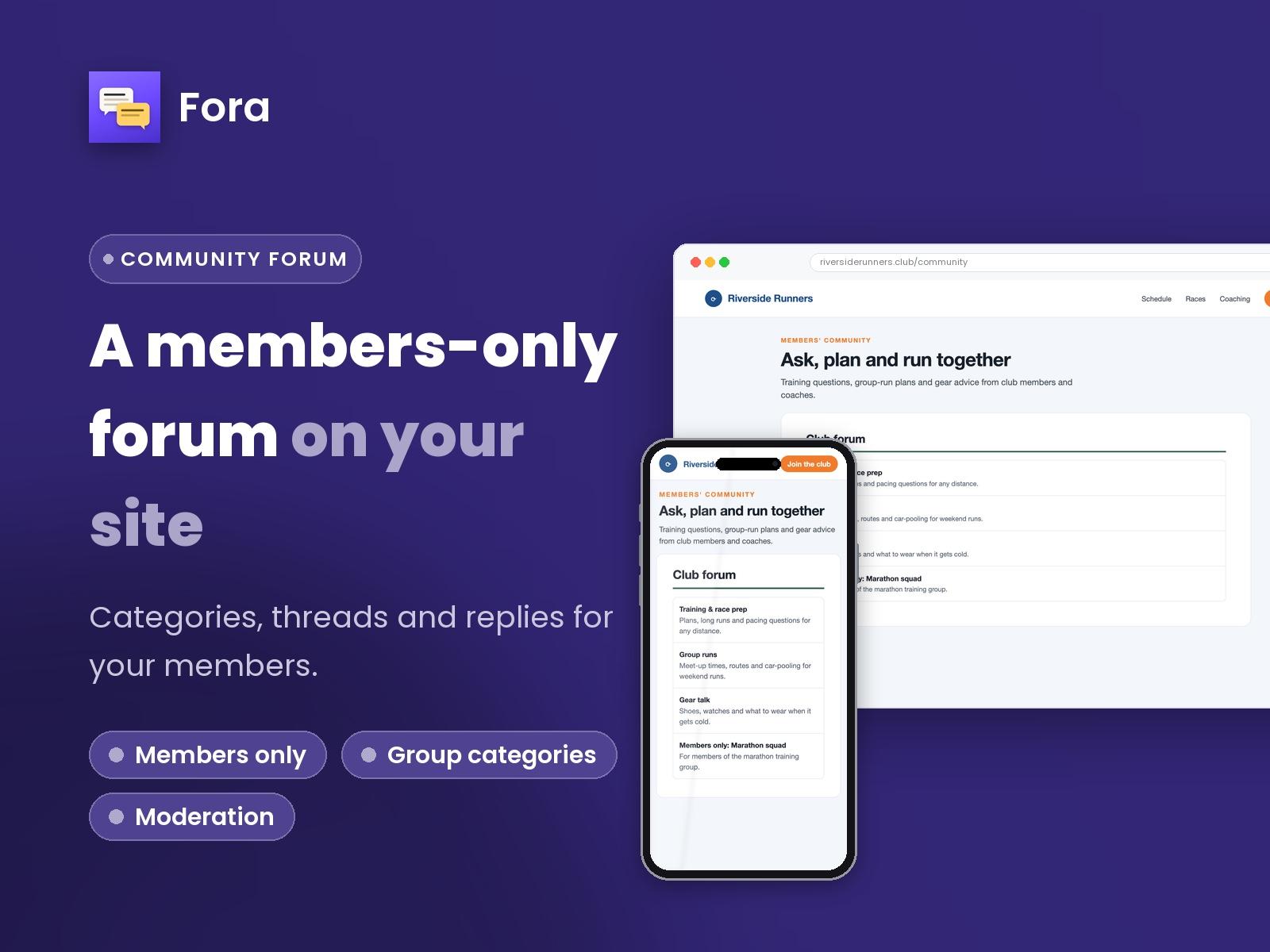
A public forum lets anyone read and can bring search traffic, but it needs constant moderation and invites spam. A members-only forum is quieter and safer: only people who have logged in to your site can read or post, so it works as a benefit of membership rather than a public message board.
The Wix Forum app is a good choice for an open, public community with many features. A members-only forum app such as Fora is a better fit when the conversation belongs to your members, for example paying clients, a club roster or a course cohort.
Set up the Members Area and your categories
Members-only content needs the Wix Members Area, so visitors can sign up and log in. If you already use Wix Groups to organize members, you can tie a forum category to one group, so only that group’s members see it. Group membership is checked each time someone reads or posts, so removing someone from the group removes their access.
Start with two or three categories. A general category, one for questions and one for a specific group such as a coaching squad is enough for most sites. Too many empty categories make a new forum feel abandoned.
- Wix Members Area for login
- Two or three focused categories to start
- Group-only categories for cohorts, teams or paid tiers
- A clear name and one-line description for each category
Seed the first threads
Nobody wants to post first in an empty forum. Before inviting members, publish two or three starter threads from the dashboard: a welcome thread asking people to introduce themselves, a question you are often asked by email, and an announcement of what the forum is for.
Then add the Forum widget to a page, publish the site and link to that page from your members’ welcome email and your site menu.
Moderate without extra work
Moderation on a members-only forum is mostly about tone and the occasional off-topic post. Check the dashboard once or twice a week, hide anything that does not belong, and restore it if you hid it by mistake. Hidden posts disappear for members right away.
Post limits per member stop accidental double posts and simple spam bursts, so you do not need a review queue for every message.
Frequently asked questions
Can I make a Wix forum private?
Yes. With a members-only forum app, logged-out visitors see a login prompt instead of the forum. Only logged-in site members can read and post.
Can I limit a forum category to one Wix Group?
Yes. Fora lets you open a category to all logged-in members or only to the members of one Wix Group, and checks membership every time someone reads or posts.
Will a members-only forum help my SEO?
Not directly. Members-only content is hidden from search engines. Its value is keeping members engaged and returning to your site.
How do I stop spam in a forum?
Keeping the forum members-only removes most spam. Add per-member posting limits and check the dashboard regularly to hide anything off-topic.
Related Wix guides
Try Fora on Wix
Free includes one forum category. Pro is $6.99/month, or $69.48/year when billed yearly (17% off), and allows up to 50 categories. Billing is handled by Wix.