How to Turn a Wix Store into a Multi-Vendor Marketplace
How Wix Stores owners can sell products from several makers or brands: inviting sellers, approving what they list, keeping checkout in one store, sharing order details with each seller, and paying them.
A curated marketplace sells products from several makers or brands under one store: a craft collective, a local makers’ market, a design shop. Buyers get one checkout; sellers get a place to sell without building their own store. The work is in the middle: letting sellers add products without losing control of your catalog, and telling each seller what they sold. This guide shows a simple way to run that on a Wix store.
Start curated, not open
Open marketplaces need seller vetting, disputes and payouts at scale. A curated marketplace is easier to start: you choose each seller, approve each product, and stay the merchant of record. Begin with a handful of sellers you trust and grow from there.
Write down your terms before inviting anyone: what share of each sale you keep, who ships, how returns work, and when you pay sellers.
- Hand-picked sellers
- You approve every product
- One checkout in your store
- Written terms before you start
Give sellers a portal on your site
Sellers need a way to send you products without access to your dashboard. With Vendora you invite each seller with a one-time code; they log in as site members, claim the code in a seller portal on a members page, and submit product drafts with a name, price, description and SKU.
Approve products before they go live
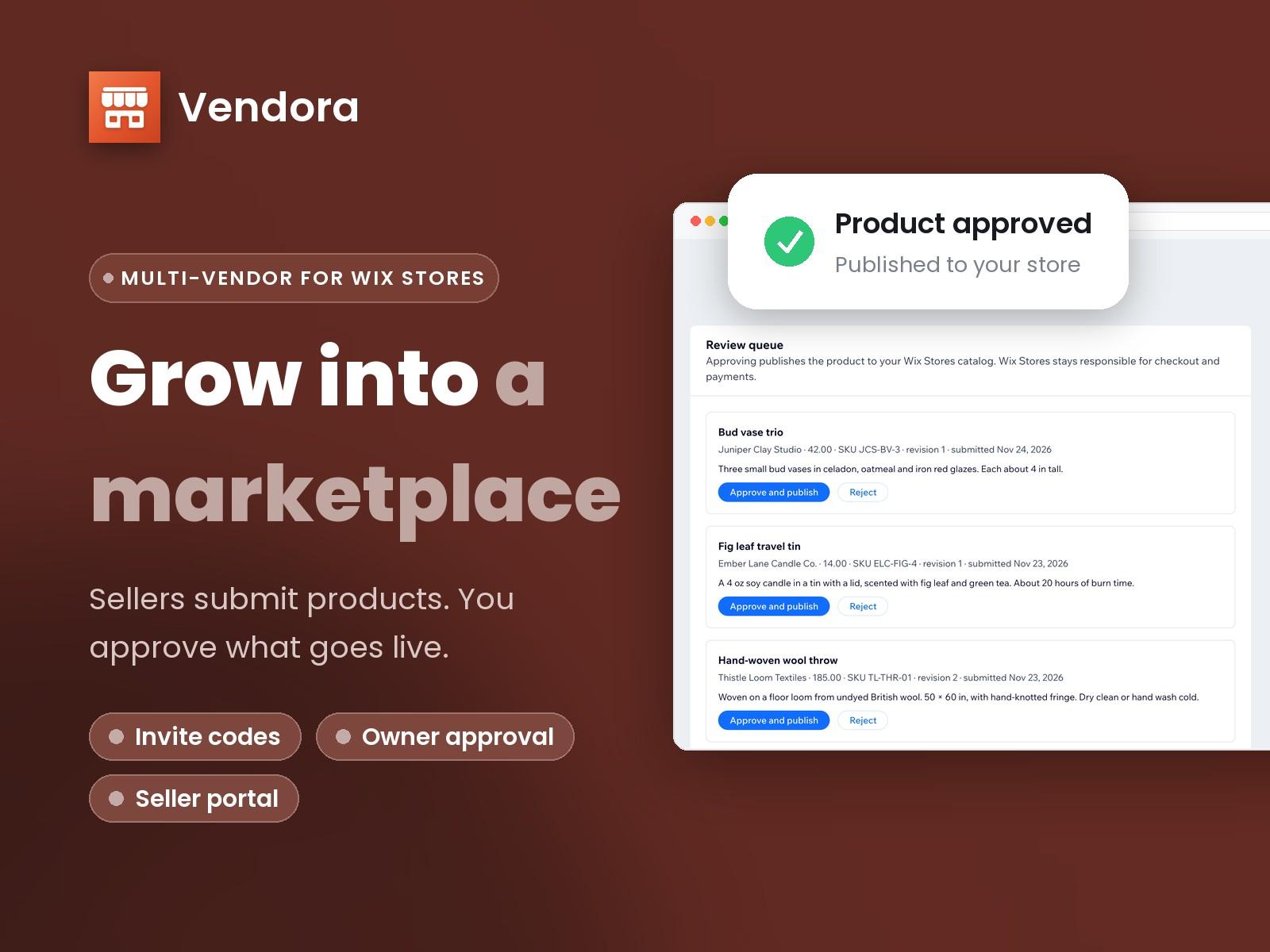
Every draft lands in your review queue. Approve and publish it to create the product in your Wix Stores catalog, or send it back with a note asking for changes. After approval, add photos, options and inventory in Wix Stores as you would for any product.
Share orders and pay sellers
Each seller can load the order lines for their own products: quantities, order numbers, dates and status, and nothing from other sellers or buyers’ personal details. That gives both of you the same numbers when it is time to settle up.
Vendora does not pay sellers or divide payments between them. Buyers pay you through your store checkout, and you pay sellers your own way, for example monthly by bank transfer after the return window.
Frequently asked questions
Can Wix Stores be a multi-vendor marketplace?
Wix Stores sells products from one store owner. A marketplace app adds the seller side: invites, a seller portal, product approval and per-seller order views, while checkout stays in your store.
Do sellers get paid automatically?
Not with Vendora. Vendora does not pay sellers; you pay them yourself from their order lines.
Can sellers add their own product photos?
Not in Vendora today. You add photos, options and inventory in Wix Stores after approving a product.
How much does Vendora cost?
Free supports 1 seller. Pro is $14.99/month and supports up to 25 sellers.
Related Wix guides
Try Vendora on Wix
Free supports 1 seller. Pro is $14.99/month, or $149.28/year when billed yearly (17% off), and supports up to 25 sellers. Billing is handled by Wix.