How to Start a Loyalty Points Program on a Wix Store
How Wix store owners can reward repeat customers with points: choosing an earning rate, deciding what points are worth, handling refunds, letting members redeem coupons, and showing balances on the site.
A points program gives customers a reason to come back to your store instead of a competitor’s: every order moves them closer to a reward. It works best when the rules are simple, the balance is easy to see, and points are worth something real. This guide shows how to set one up on a Wix store, including the parts that cause trouble later: refunds and what a point is worth.
Choose how members earn
Start with one rule: a number of points for every unit of your currency spent on products, counted on the subtotal after discounts. Leave out shipping and tax. Add a minimum order amount only if small orders cost you more than they earn.
Points work best for logged-in site members, because the balance needs a person to belong to. Guest checkouts do not earn points, so invite customers to create an account and mention the program at checkout and on product pages.
- One earning rule
- Subtotal after discounts
- Paid orders only
- Members, not guests
Decide what points are worth
Work out the reward first, then the earning rate. If a customer spends 500 on products and you are happy to give back 5, that is 1%. With 1 point per unit of currency, a coupon worth 5 should cost 500 points. Most stores give back between 1% and 5%.
Coupons with a fixed amount off are the easiest reward to understand. Make each coupon single-use so it can only be spent once, and check that the value still leaves a margin on your cheapest products.
Take points back on refunds
If a customer returns an order, the points they earned on it should go too, or the program pays out for sales you did not keep. Loyalio takes back the same share of an order’s points as the share of the order total that was refunded, and all of them on a full refund or cancellation.
Award points only when an order is paid, not when it is placed. Unpaid manual-payment orders should not earn until the money arrives.
Show members their balance and let them redeem
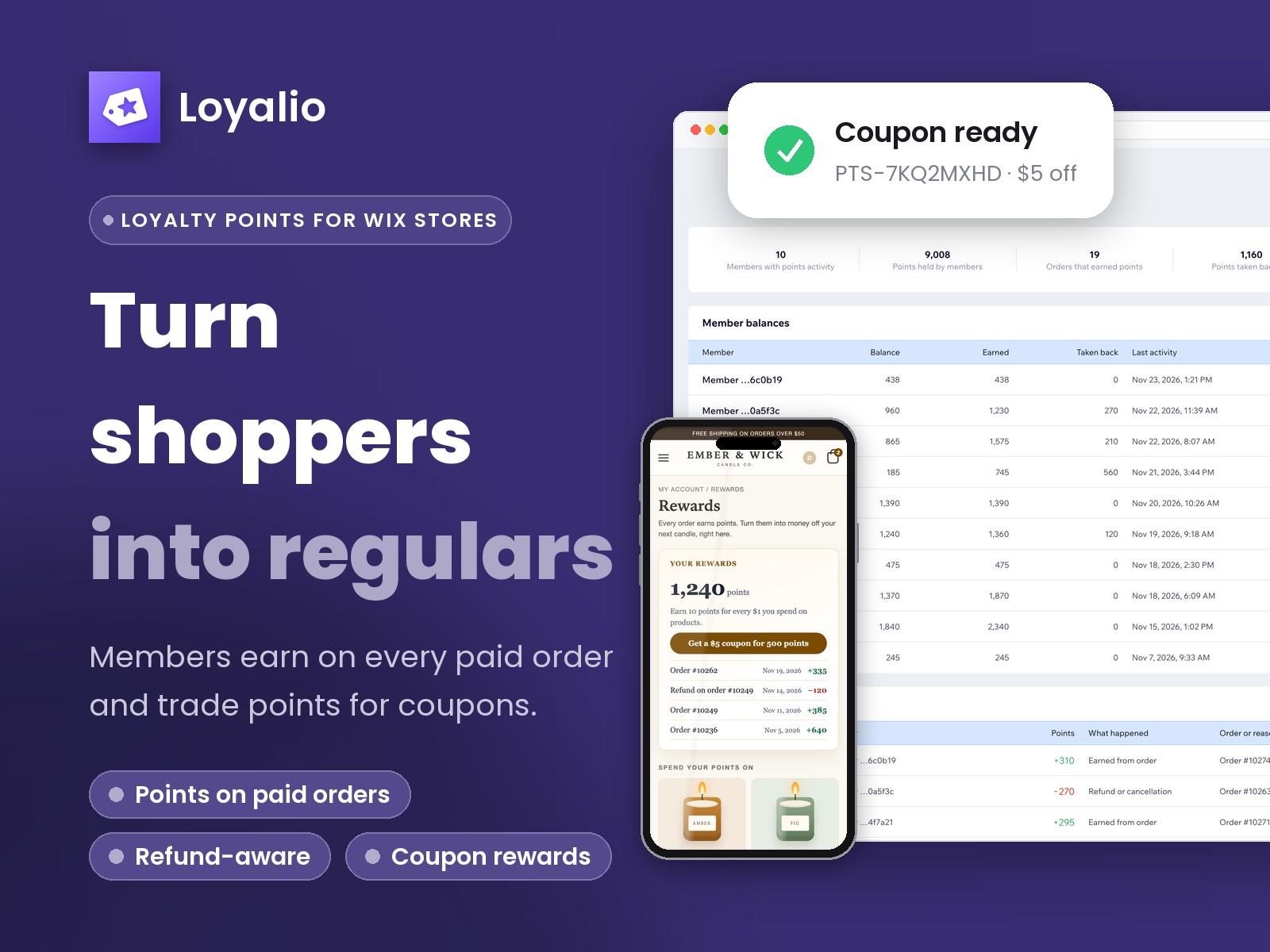
Members come back for points they can see. Put the Loyalio widget on a Rewards page or the account area: it shows the balance, how points are earned, how many more points the next coupon needs, and recent activity.
On Pro, members turn points into a single-use coupon right in the widget and get a code to enter at checkout. The coupon is created before points are taken, so a failed attempt never costs points.
Frequently asked questions
Does Wix have a built-in loyalty program?
Wix has its own loyalty program app. Use one app for purchase points, because two apps giving points for the same orders would show members two separate balances.
How many points should a customer earn?
Pick the reward first. For example, 1 point per unit of currency with a coupon worth 5 for 500 points gives back 1%. Raise the coupon value or lower its cost to give back more.
Do guest checkouts earn points?
No. Points belong to logged-in site members. Guest checkouts do not earn points.
How much does Loyalio cost?
Earning points, refund handling and the balance widget are free. Pro is $12.99/month and adds coupon redemption and manual point adjustments.
Related Wix guides
Try Loyalio on Wix
Free gives points on paid member orders, takes them back on refunds and shows members their balance. Pro is $12.99/month, or $129.48/year when billed yearly (17% off), and lets members redeem points for a single-use coupon, with manual point adjustments. Billing is handled by Wix.