How to Add a Job Board to a Wix Site
How to add a job board to your Wix careers page: post job listings, take applications with a short form, share each opening’s link and close it when filled.
A careers page works best when visitors can see what’s open and apply in a minute, and you can find every application in one place. This guide covers installing Hirely, adding the Job Board widget to your careers page, creating and publishing an opening, connecting your jobs page, sharing the opening’s link and closing it when the role is filled.
Install Hirely from the App Market
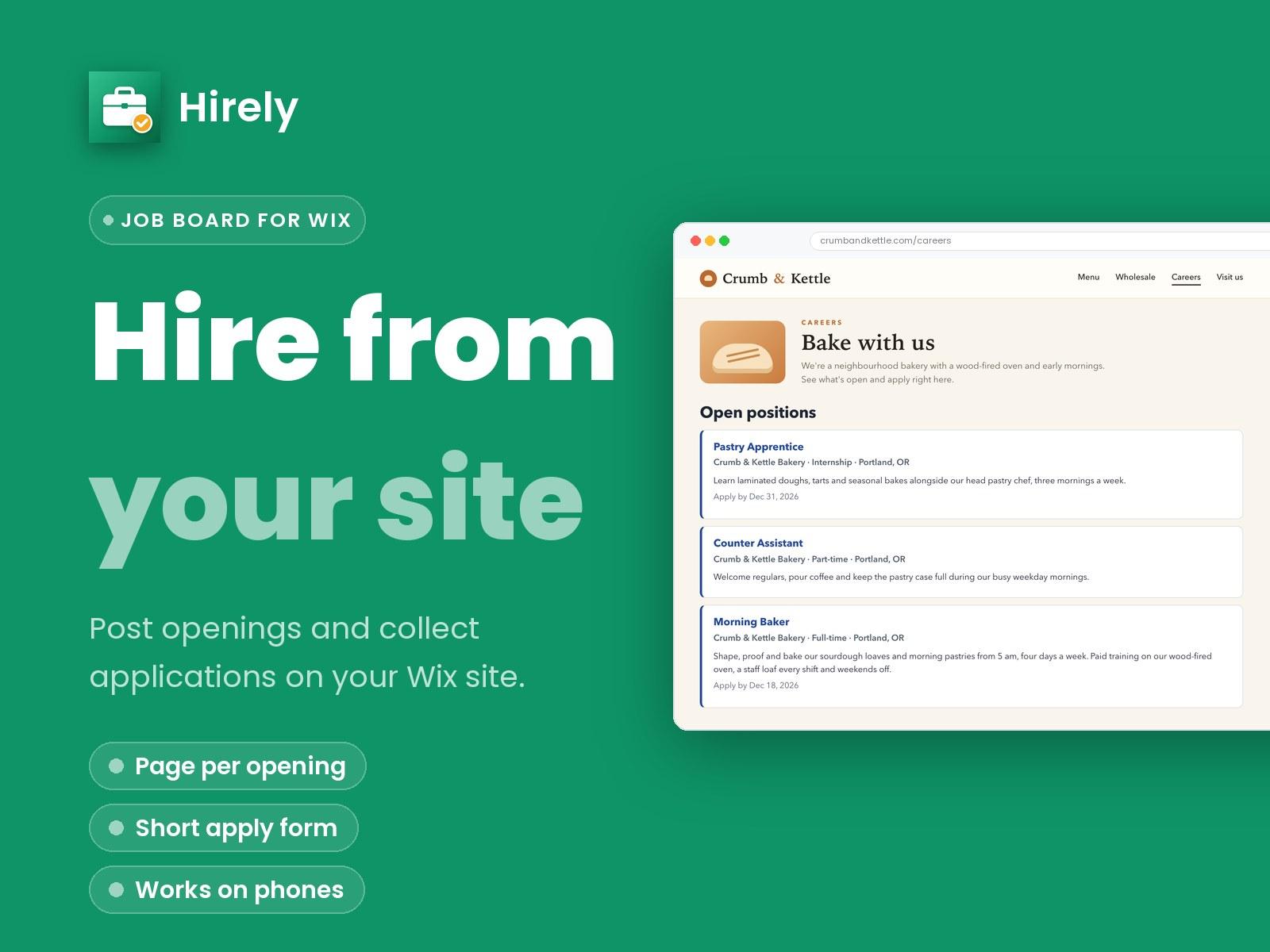
Install Hirely from the Wix App Market. It adds a Job Board widget for your site and a Job Board dashboard where you manage openings and read applications.
Free keeps 1 opening open at a time, which suits hiring for one role. Pro is $9.99/month, or $8.29/month billed yearly, and keeps up to 50 openings open.
Add the Job Board widget to your careers page
In the Editor, open the page where you want your jobs, such as a careers page, and add the Job Board widget from Add Elements → App Widgets. Then publish your site.
Visitors browse your open positions in the widget and open one to read it and apply. The form is labelled, works from the keyboard and works on phones, so check it on a phone once your first opening is live.
- Pick or create a careers page
- Add the widget from Add Elements → App Widgets
- Publish your site
Create and publish your first opening
Open Job Board in your site dashboard and create an opening. It starts as a draft, so you can edit it until it’s ready, then publish it to show it on your job board. An opening can have a closing date.
Applicants fill in a short form. Name and email are required; phone, a CV or profile link and a message are optional. Hirely doesn’t accept file uploads, so a CV is a link only.
Connect your jobs page
A setup checklist in the dashboard covers your first opening, connecting your jobs page, publishing and receiving your first application. When it asks for your jobs page, paste the address of the page where you added the widget.
Each opening’s shareable link is your jobs page address followed by ?job= and the opening’s slug.
Share the opening and read applications
Copy the opening’s link and share it wherever you announce the role. The link opens that opening on your job board, with its application form.
Applications appear under the opening in your dashboard. Read them there, reply by email in your email app, or delete them. Applications are private to you and never shown on your site. Hirely doesn’t send you email notifications, so check the dashboard for new applications.
If the same email applies to the same opening more than once, the applications are collapsed into one, and rate limits help limit spam.
Close the opening when it’s filled
When the role is filled, close the opening from the dashboard. A closed or expired opening stays readable on your site, says it’s closed and has no application form. You can reopen, edit or delete it later.
Hirely doesn’t delete old applications automatically, so delete the ones you no longer need from the dashboard. If you downgrade from Pro, existing openings and applications stay usable; only publishing more is blocked.
Frequently asked questions
Can I add a job board to Wix without code?
Yes. Add the Job Board widget from Add Elements → App Widgets in the Editor, then create and publish openings from Job Board in your site dashboard.
Can applicants send a CV?
As a link. Hirely doesn’t accept file uploads, so a CV is a link only: applicants can paste a CV or profile link in the optional field.
Will I get an email when someone applies?
No. Hirely doesn’t send you email notifications. New applications appear under each opening in the Job Board dashboard, where you can reply by email from your email app.
Does Hirely send openings to Google Jobs or other job boards?
No. Hirely doesn’t post to other job boards or Google Jobs. Share each opening’s link yourself.
How much does Hirely cost?
Free keeps 1 opening open at a time. Pro is $9.99/month, or $8.29/month billed yearly, and keeps up to 50 openings open. After a downgrade, existing openings and applications stay usable; only publishing more is blocked.
Related Wix guides
Check Hirely beta status
Free keeps 1 opening open at a time. Pro is $9.99/month, or $8.29/month billed yearly, and keeps up to 50 openings open. After a downgrade, existing openings and applications stay usable; only publishing more is blocked.