How to Add an Announcement Bar to Your Wix Site
How to add a site-wide announcement bar to a Wix site, write a notice people act on, and schedule it to start and end on time for sales, shipping cut-offs and holiday hours.
An announcement bar is the thin strip across the top or bottom of a site that tells every visitor one thing: free shipping over $50, last day to order for Christmas, closed on Monday. It works because it is short, it is on every page, and it is gone when the news is over. This guide shows how to set one up on a Wix site and keep it accurate.
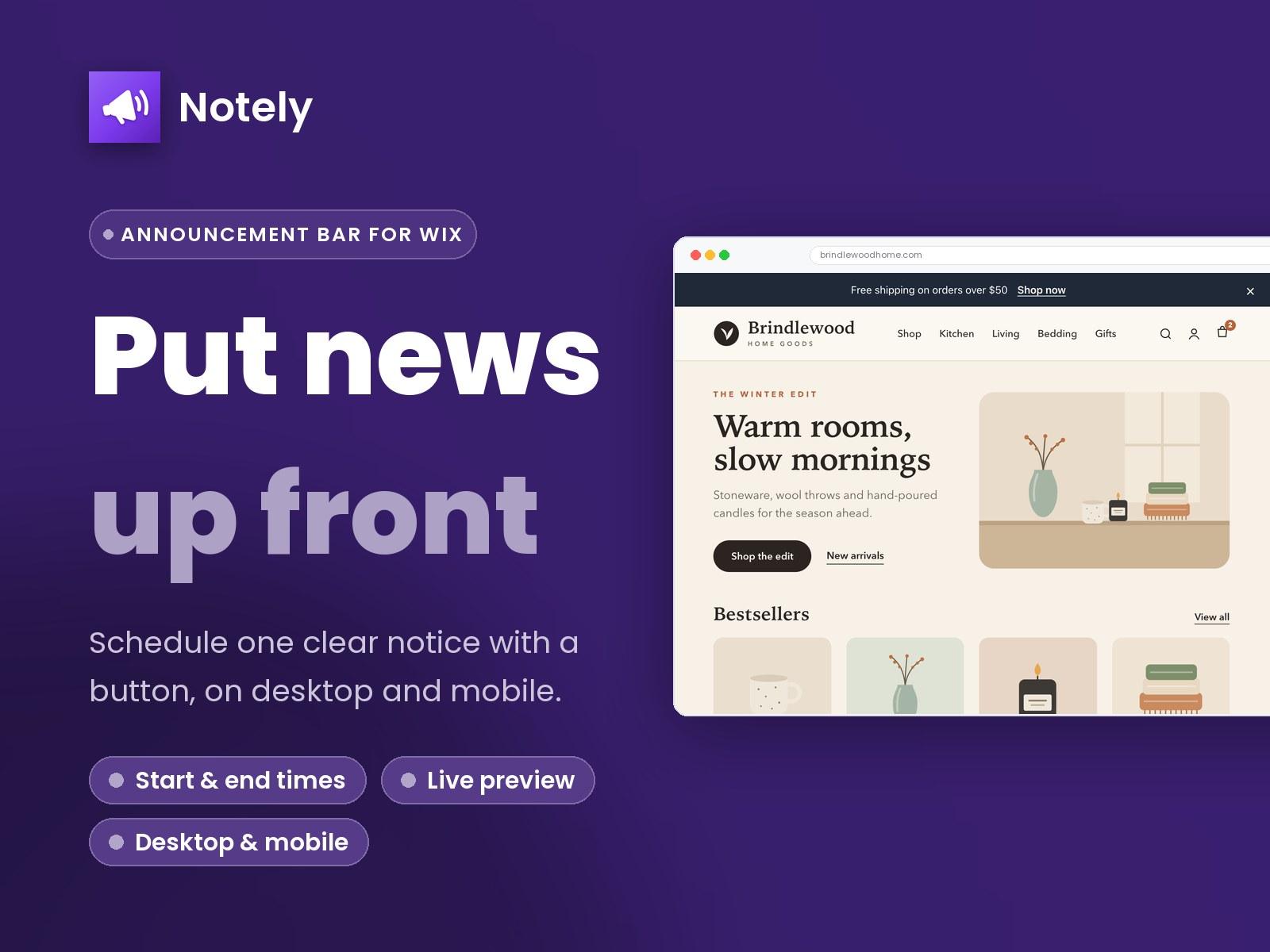
Say one thing, with one action
Visitors glance at the bar; they do not read it. Keep the message to one short line and lead with what they get: “Free shipping on orders over $50” beats “We are pleased to announce…”.
Add a button only when there is a next step, such as Shop now, See store hours or Book a table, and link it to the page that delivers on the message.
- One message, one line
- Lead with the benefit
- One button to the right page
Pick the placement
A bar at the top of the page is seen first and scrolls away with the content, so it does not cover your header for long. A bar fixed to the bottom of the screen stays visible while people browse, which suits time-sensitive offers.
With Notely you choose either placement and preview it on desktop and mobile before you publish, so you can check that the message fits on a phone.
Schedule it so it ends on time
The most common announcement-bar mistake is a sale banner still running a week after the sale ended. Set an end time when you publish.
In Notely you set start and end times in your own time zone. The bar appears and disappears on schedule, even for visitors who already have the page open, and you can switch it off at any time.
Let visitors close it
A close button keeps the bar from becoming an annoyance. In Notely, a visitor who closes the bar does not see it again in that browser until you publish a change, so a new message still reaches them.
Frequently asked questions
Does Wix have a built-in announcement bar?
You can design a strip in the Editor and add it to your header, but it will not schedule itself, close on request or show a mobile preview. An announcement bar app handles those for you.
Can the bar link to a page on my site?
Yes. In Notely, the button can link to a page path such as /shop, a web address, an email address or a phone number.
Can I show several announcements at once?
Notely shows one notice at a time. That keeps the message clear; change it or schedule the next one when you need.
How much does Notely cost?
Free covers one scheduled notice with preset colors. Pro is $5.99/month and adds custom background and text colors.
Related Wix guides
Try Notely on Wix
Free includes one scheduled notice with a button, both placements and three preset color themes. Pro is $5.99/month, or $59.64/year when billed yearly (17% off), and adds custom background and text colors. Billing is handled by Wix.