How to Add a Poll to a Wix Website
A practical guide to choosing a Wix poll format, preparing useful answer options, publishing a responsive poll, and checking that real responses reach trustworthy results.
A useful site poll asks one decision-sized question, gives visitors understandable choices, and tells the merchant what happened after publication. The technical setup matters, but the question, placement, and result policy determine whether the responses are actually useful.
Start with the decision the poll should support
Write the decision before the question. A product team might choose the next feature, a restaurant might compare menu ideas, and a creator might ask which topic should come next. If no action changes based on the result, the poll will probably collect curiosity rather than value.
Use single choice for one clear preference, multiple choice when several answers can be true, rating for an ordered reaction, and image choice when the visual alternative is the point. Keep option wording parallel and avoid combining two ideas in one answer.
- One question per decision
- Mutually understandable choices
- A result-visibility rule
- A defined close or review moment
Build and place the poll inside Wix
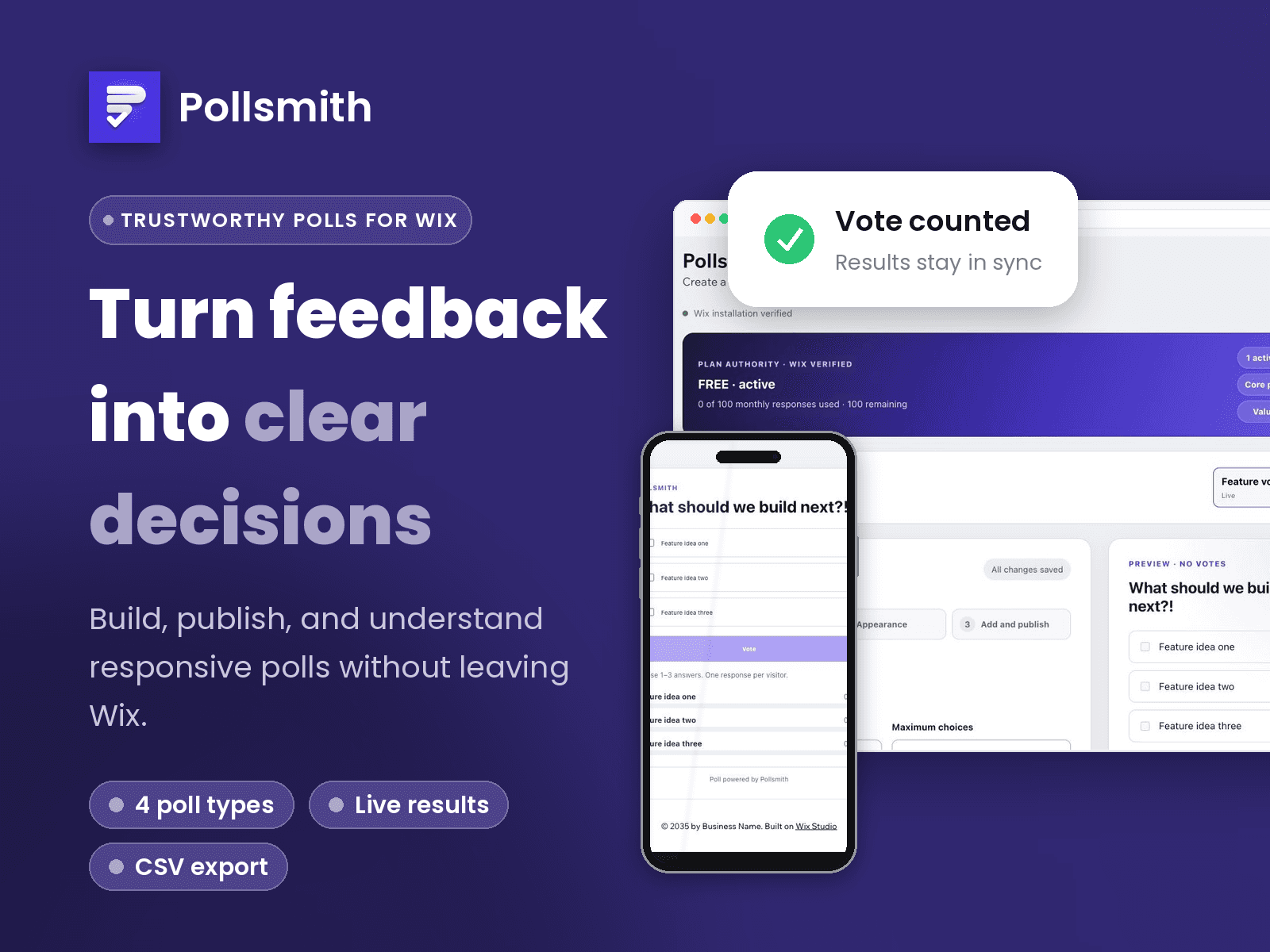
Pollsmith provides a three-step Content, Appearance, and Add and publish workflow. Create the question, choose the selection rule, preview the responsive widget, and add it to the Wix page where the surrounding content explains why the visitor should participate.
Preview mode should never be treated as live evidence. After publishing the Wix site, open the public page in a visitor session, submit one controlled response, and confirm the widget and dashboard show the same total after reload.
Turn responses into the next action
Review counts and percentages together with the total sample. A large percentage from three visitors is different from the same percentage after hundreds of responses. Export the current result when a decision needs a durable record, and preserve earlier versions when changing the meaning of a live poll.
Pollsmith’s free plan supports one active poll and up to 100 accepted responses each month. Pro and Business raise the site-scoped allowances and remove Pollsmith branding; Wix handles checkout and billing.
Frequently asked questions
Can I add a poll to Wix without code?
Yes. A Wix poll app can provide a dashboard workflow and a site widget that you place through Wix rather than by editing source code.
Which poll type should I use?
Use single choice for one preference, multiple choice when several choices may apply, rating for an ordered score, and image choice for visual alternatives.
Should preview votes count?
No. Treat Editor and Preview as configuration checks. Verify real response behavior only on the published site.
How do I know the result is current?
Submit a controlled published response, then compare the widget and dashboard total after both reload. Pollsmith labels rebuilding states rather than substituting demo numbers.
Related Wix guides
Try Pollsmith on Wix
Free includes one active poll and 100 accepted responses per month. Pro is $8.99/month and Business is $18.99/month, with lower effective monthly prices when billed annually. Billing is handled by Wix.