How to Add a Quiz to a Wix Website
How to add a scored quiz to a Wix site that teaches as well as tests: writing good questions and answer options, explaining each answer, publishing the quiz, and knowing when a site quiz is the wrong tool.
A short quiz turns reading into doing. Courses use it to check understanding, coaches to start a conversation, blogs to keep readers on the page. The quizzes that work best explain every answer, so a wrong answer still teaches something. This guide covers writing the quiz, publishing it on Wix, and the cases where a site quiz is not the right tool.
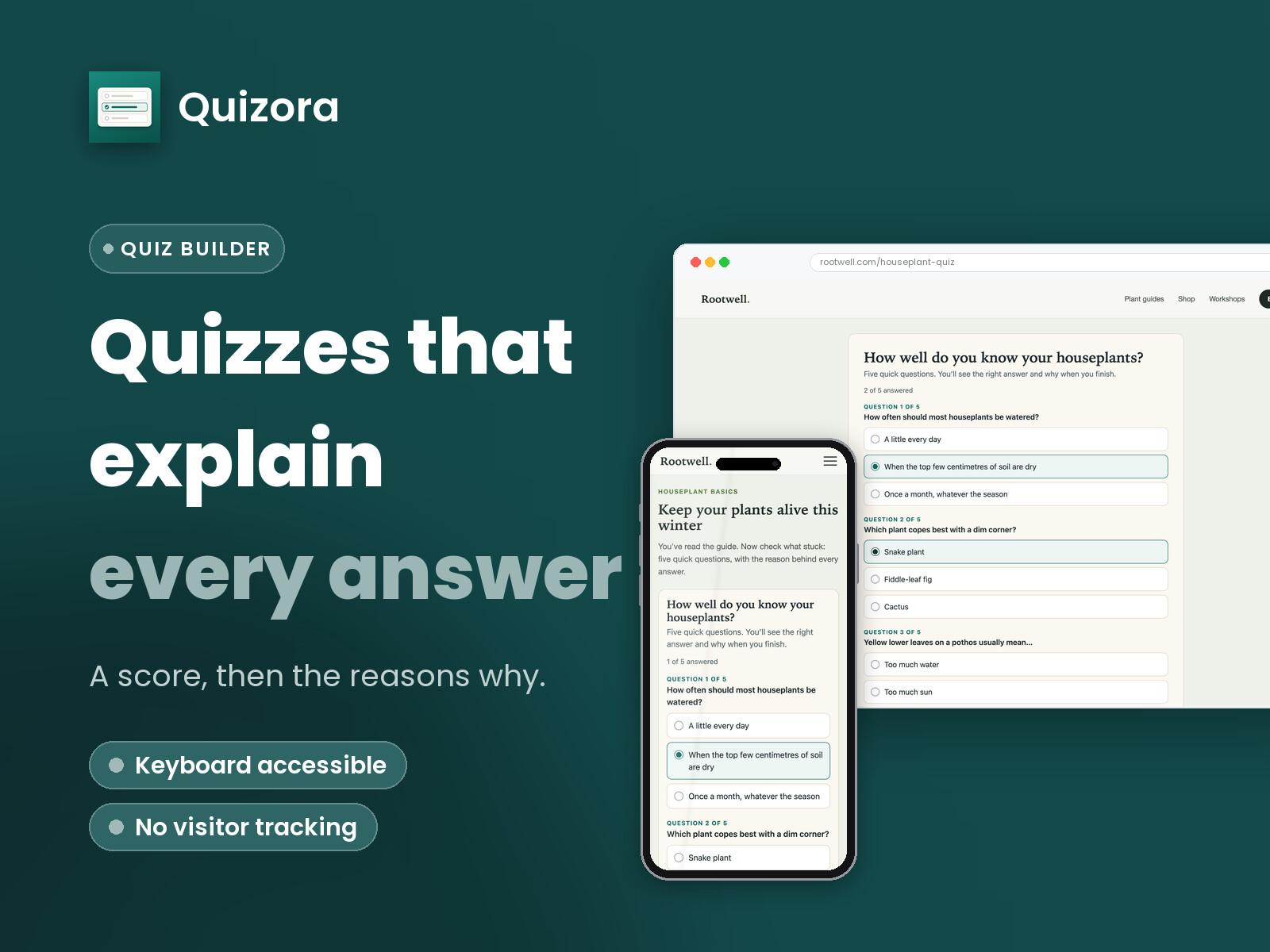
Write questions with one clearly right answer
Keep each question about one idea, and give two to six answers with exactly one that is right. Wrong answers should be plausible mistakes, not jokes; that is what makes the quiz useful.
Five to ten questions is enough for most pages. Longer quizzes lose people halfway through.
- One idea per question
- Two to six answer options
- Plausible wrong answers
- Five to ten questions
Explain every answer
Add a one- or two-sentence explanation to each question. Visitors see it after they answer, together with their score at the end. Explanations turn the quiz into a short lesson and give people a reason to finish.
Publish it on your Wix site
In Quizora, write the quiz in the Wix dashboard, publish it, and add the quiz widget to a page in the Editor. Visitors can answer with a mouse, touch or keyboard and see their score as soon as they finish.
Place the quiz at the end of a lesson, guide or blog post so it checks what the reader just learned.
When a site quiz is the wrong tool
Scoring happens in the visitor’s browser, so the correct answers are readable by anyone who inspects the page. That is fine for learning and engagement, but not for graded exams, certifications or anything with a prize. Use a dedicated testing platform for those.
Frequently asked questions
Can I add a quiz to Wix without code?
Yes. A quiz app lets you write questions in the dashboard and place a quiz widget on any page.
Can I use a Wix quiz for graded exams?
Not with Quizora. The correct answers can be read in the page source, so it suits learning, coaching and engagement rather than graded tests.
How many questions can a quiz have?
Quizora’s Free plan allows one quiz with up to 10 questions. Pro is $4.99/month and allows up to 50 quizzes with 30 questions each.
Do visitors need an account to take the quiz?
No. Anyone visiting the page can take the quiz and see their score and the explanations.
Related Wix guides
Try Quizora on Wix
Free includes one quiz with up to 10 questions. Pro is $4.99/month, or $49.92/year when billed yearly (17% off), and includes up to 50 quizzes with up to 30 questions each. Billing is handled by Wix.