How to Add a Cookie Banner to Your Wix Site
How to add a clear cookie consent banner to a Wix site, what a fair banner looks like, how visitors’ choices reach Wix’s consent settings, and what a banner can’t do on its own.
A cookie banner asks visitors whether your site may use optional cookies, such as analytics and advertising, before they are used. A good one is short, makes saying no as easy as saying yes, and remembers the answer. This guide shows how cookie consent works on Wix and how to set up a clear banner.
How consent works on Wix
Wix keeps a consent policy for each visitor with categories: essential, functional, analytics, advertising and sharing data with third parties. Apps that add scripts to your site label them by category, and Wix uses the visitor’s policy to decide which of those scripts can run.
A cookie banner’s job is to ask the visitor and save their answer in that policy. Wix has its own banner; apps like Consentio offer a different design and options. Use only one banner at a time.
Make Reject as easy as Accept
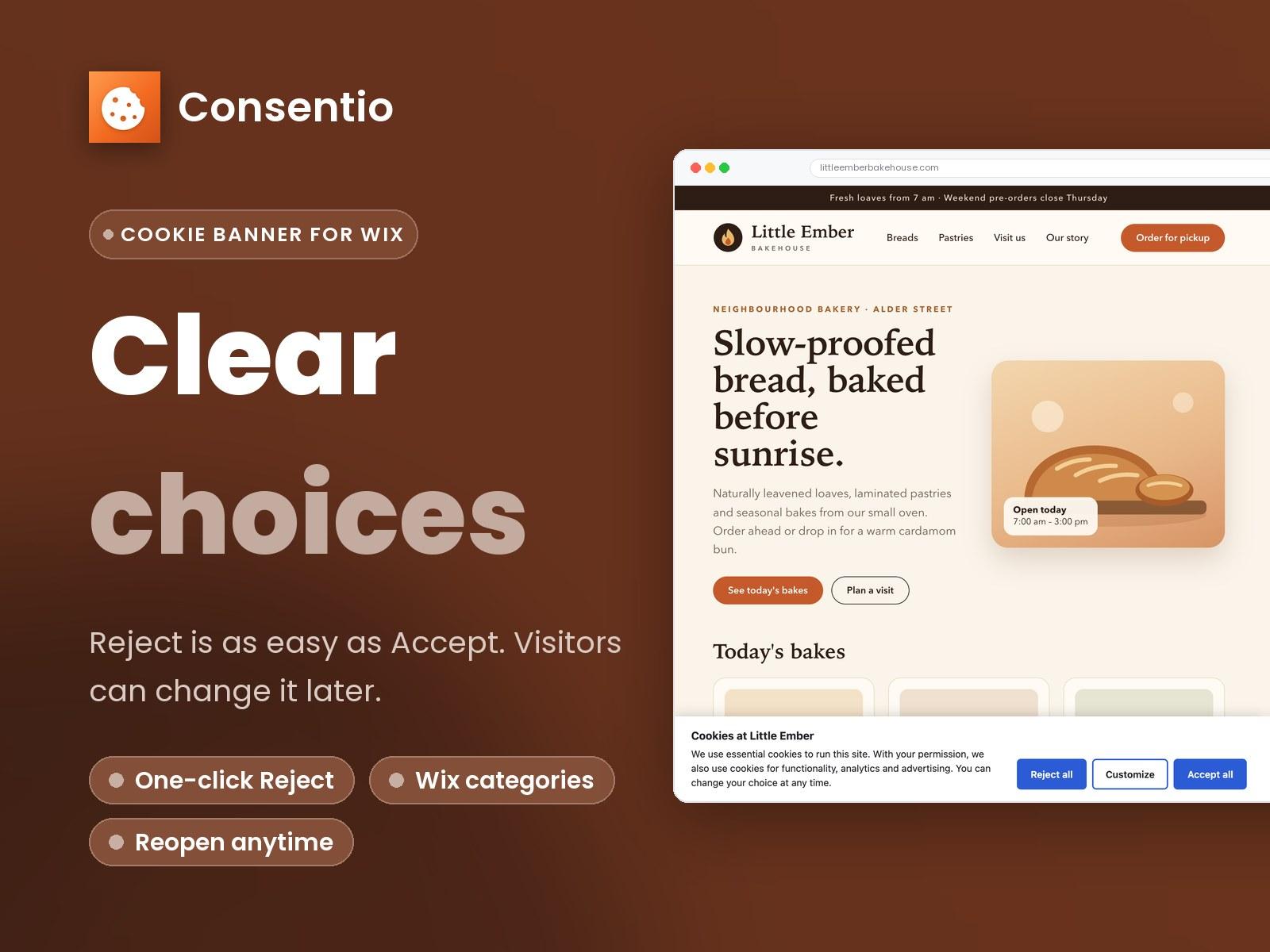
A fair banner gives Reject all and Accept all the same size and weight, and lets visitors choose by category if they want. Hiding the reject option behind extra clicks frustrates visitors and is discouraged by many privacy regulators.
Consentio shows Reject all, Customize and Accept all side by side, keeps essential cookies on, and lets visitors reopen their settings later from a small floating button.
- Equal Reject and Accept buttons
- Choices by category
- A way to change the choice later
Start from essential-only
Before a visitor answers, the safest default is to allow only essential cookies. When you turn Consentio’s banner on, it sets your site’s default policy to essential-only; turning it off sets it back to allowing everything.
Know what a banner can’t do
A banner records choices; it doesn’t rewrite your site. Consentio does not block or scan scripts by itself. Embeds, pasted tracking code and other custom code may not follow the visitor’s choice, so check each one.
Which rules apply to your site depends on where you and your visitors are and what you collect. A banner is one part of that; your privacy policy and how you use data matter too.
Frequently asked questions
Does Wix have a built-in cookie banner?
Yes, Wix offers its own banner. Apps like Consentio give you a different design and options. Turn one off so visitors see only one.
Will a cookie banner make my site legally compliant?
Not on its own. It helps you ask and record consent, but what your site needs depends on your location, your visitors and the data you collect. Check your local rules or ask a professional.
Where are visitors’ choices stored?
With Wix’s consent settings, in Wix’s consent cookie in the visitor’s browser. Consentio keeps a small note in local storage so the banner stays closed.
How much does Consentio cost?
The full banner is free. Pro is $6.99/month and adds corner layouts and your own colors.
Related Wix guides
Try Consentio on Wix
Free includes the full banner with editable text, all categories and a light or dark theme. Pro is $6.99/month, or $69.60/year when billed yearly (17% off), and adds corner box layouts and your own banner and button colors. Billing is handled by Wix.