How to Add Preorders to Wix
Learn how to plan, configure, test, and clearly communicate preorders for Wix Stores without confusing normal inventory and fulfillment.
A preorder is a promise about future fulfillment, not simply an out-of-stock purchase. The safest setup makes eligible variants explicit, keeps ordinary inventory behavior intact, and tells the shopper what will happen before payment.
Decide what is actually available for preorder
Start with a narrow product or variant set and document the expected fulfillment window. Do not turn on preorders store-wide unless every item follows the same operational rule.
Check how Wix inventory, product options, tax, shipping, and confirmation emails behave for the chosen products before inviting real orders.
- Choose eligible products and variants.
- Set an honest availability or shipping message.
- Decide whether mixed carts can contain preorder and in-stock items.
- Prepare a cancellation and refund response for delays.
Configure the storefront experience
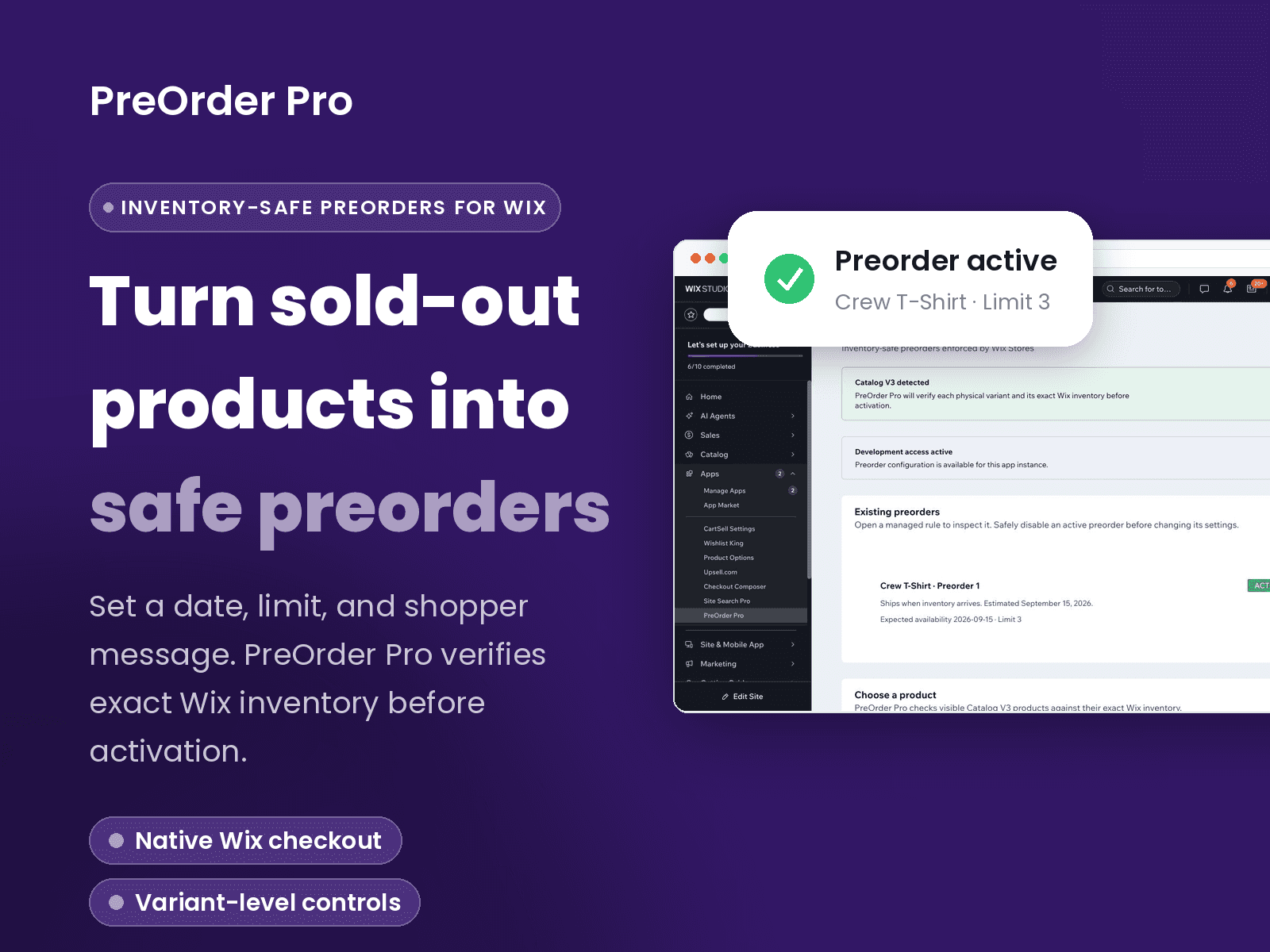
PreOrder Pro is designed around product and variant readiness, storefront messaging, and safety controls. Its public MarketForge page is currently a prelaunch page, so confirm current Wix availability before promising a launch date.
Whatever tool you use, the call to action should say preorder when the shopper is committing to later fulfillment. Repeat the timing near the button and in the order confirmation rather than hiding it in a policy page.
Test before accepting payment
Run test orders for each eligible variant, an in-stock product, an ineligible out-of-stock product, and a mixed cart. Verify the storefront label, inventory result, confirmation message, fulfillment workflow, and mobile experience.
After launch, monitor preorder starts, completed orders, cancellations, refunds, and support questions. Those signals tell you whether the promise is clear—not merely whether the button is clicked.
Frequently asked questions
Can Wix accept preorders?
A Wix Stores merchant can add a preorder workflow with a compatible app or implementation. Exact availability and checkout behavior depend on the current Wix setup and the tool selected.
Should preorder products show as out of stock?
The customer-facing state should clearly say preorder when purchase is allowed. Avoid presenting an ordinary out-of-stock state beside an active purchase button.
Can one variant be a preorder while another is in stock?
A variant-aware tool can support that model, but you should verify it with test orders because inventory and messaging must remain correct for every option.
Is PreOrder Pro live in the Wix App Market?
The MarketForge product page currently labels PreOrder Pro as prelaunch. Use its beta-contact option to confirm present availability.
Related Wix guides
Check PreOrder Pro beta status
A 7-day full-feature trial and $14.99 monthly Wix plan are planned for launch. No public checkout is available before Wix App Market approval.